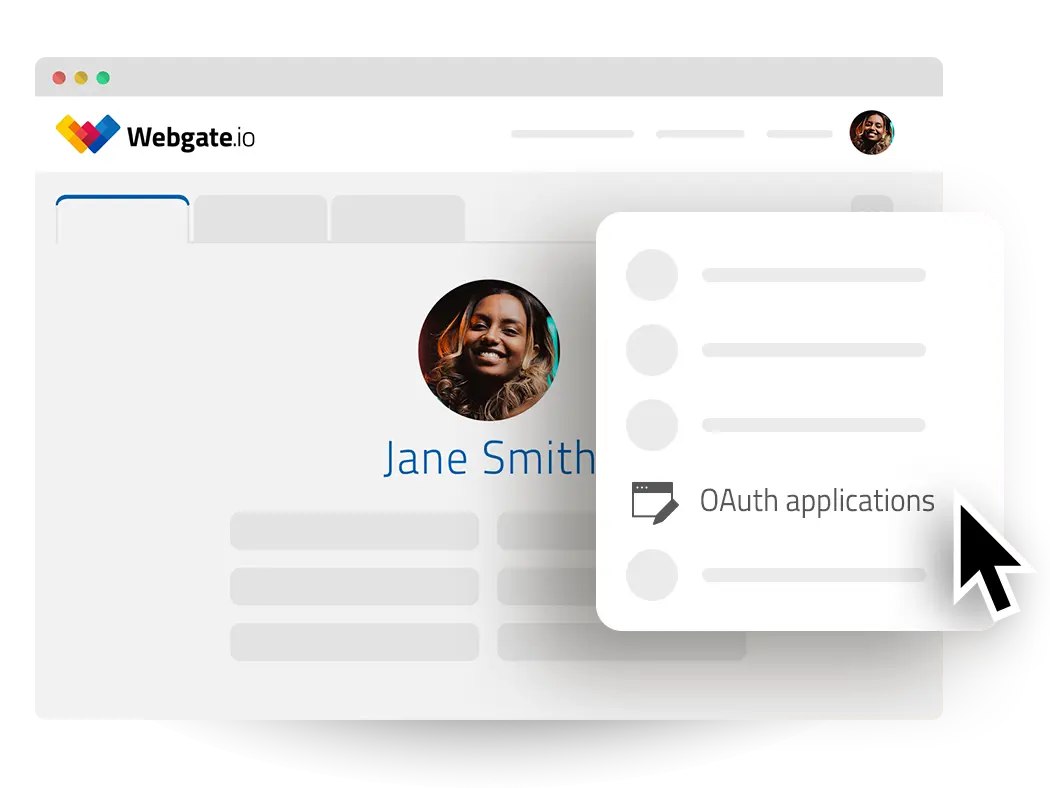
OAuth Application Data
Once you have created an OAuth App, Webgate.io provides you with the following data for your OAuth application:
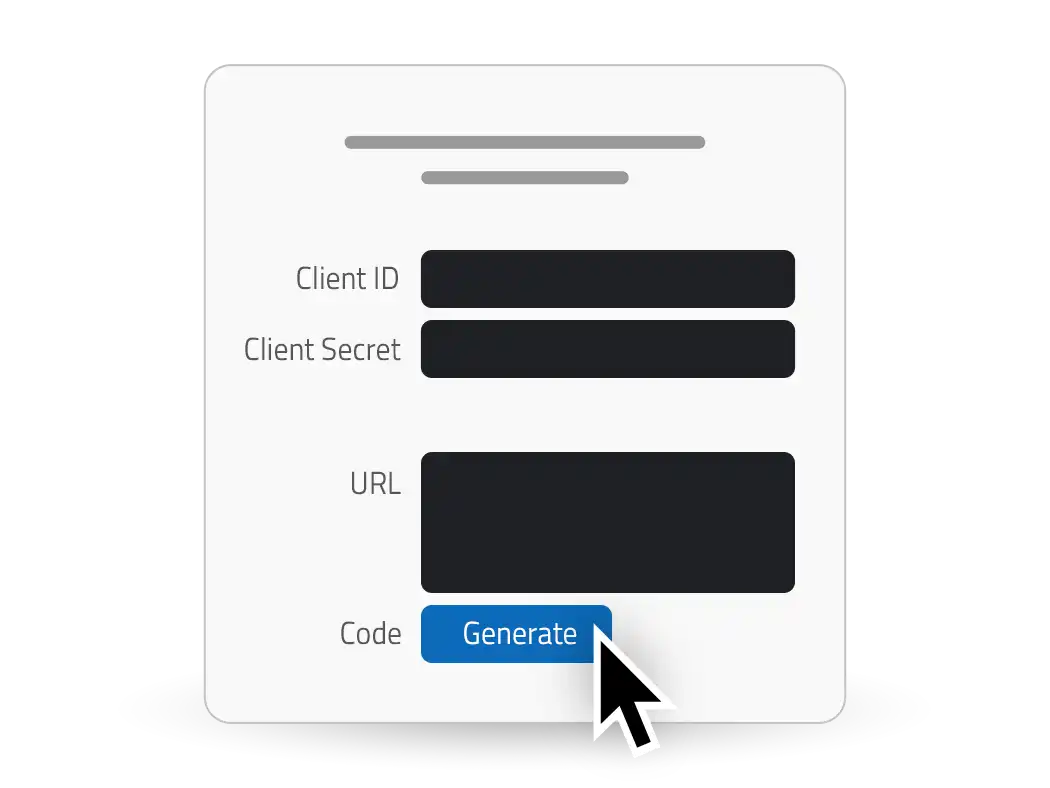
The Client Id is a unique identifier for an OAuth application that allows it to be recognized by the authorization server.
The Client Secret is a confidential key used by an OAuth application to authenticate itself with the authorization server, ensuring secure communication.
Each Redirect URI has a uniq Authorization URL which points to an endpoint where users are redirected to grant access to an application. These URLs handle user authentication and authorization, allowing the app to receive an authorization code.
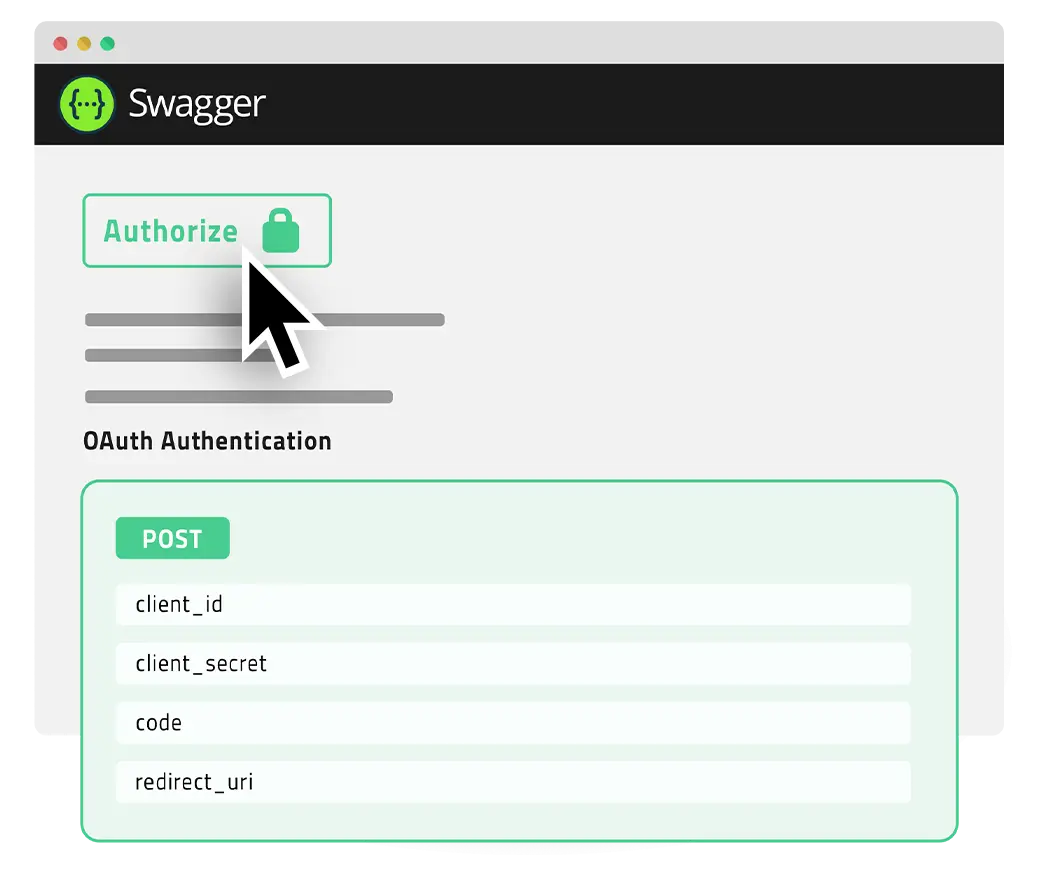
To have your web application authorized to access Webgate.io by the user, link to the authorization URL. When the user follows this link, she/he has to authorize your application to access Webgate.io. Then she/he is redirected back to your application using the redirect url. This redirect passes an access grant to your application.
This access grant is short lived and has to be exchanged with a access token using the token endpoint, which you can use to make authorized API requests.
You include the access token in the headers (usually as a Bearer token) of subsequent API calls to access protected resources on behalf of the user.
The access token still has a limited lifetime. For long-term access a refresh token needs to be obtained (through the token endpoint as well), which can be used to request a new access token, when the current access token expires.
Shortcut for usage in Development, API Docs and Scripts
While OAuth provides a defined way how to integrate web applications, it can be cumbersome to follow the full process when you just want to try out some API calls, use the interactive documentation or use the API from a script.
Therefore Webgate.io offers to generate an access grant and access and refresh tokens using the generate button below the authorization URLs.
The access token can be used as the authorisation bearer in the swagger doc or test requests.
The refresh token is suitable to used in scripts. Before making other api calls, the refresh token needs to be used to create an access token using the /oauth/token endpoint. Send the client id and client secret as HTTP Basic authentication in the Authorization header, and the grant type "refresh_token" together with the refresh token in the request body. Never put them in the URL — query strings end up in server logs.
Keep in mind that the refresh token and client secret must be kept secret to avoid unauthorized access.